Meal Planning App with Calorie Counter: What Actually Matters (And What You Can Skip)
25 August 2026
Not every feature in a meal planning app with calorie counter is worth your time. Learn what actually helps and what you can safely skip. Start planning
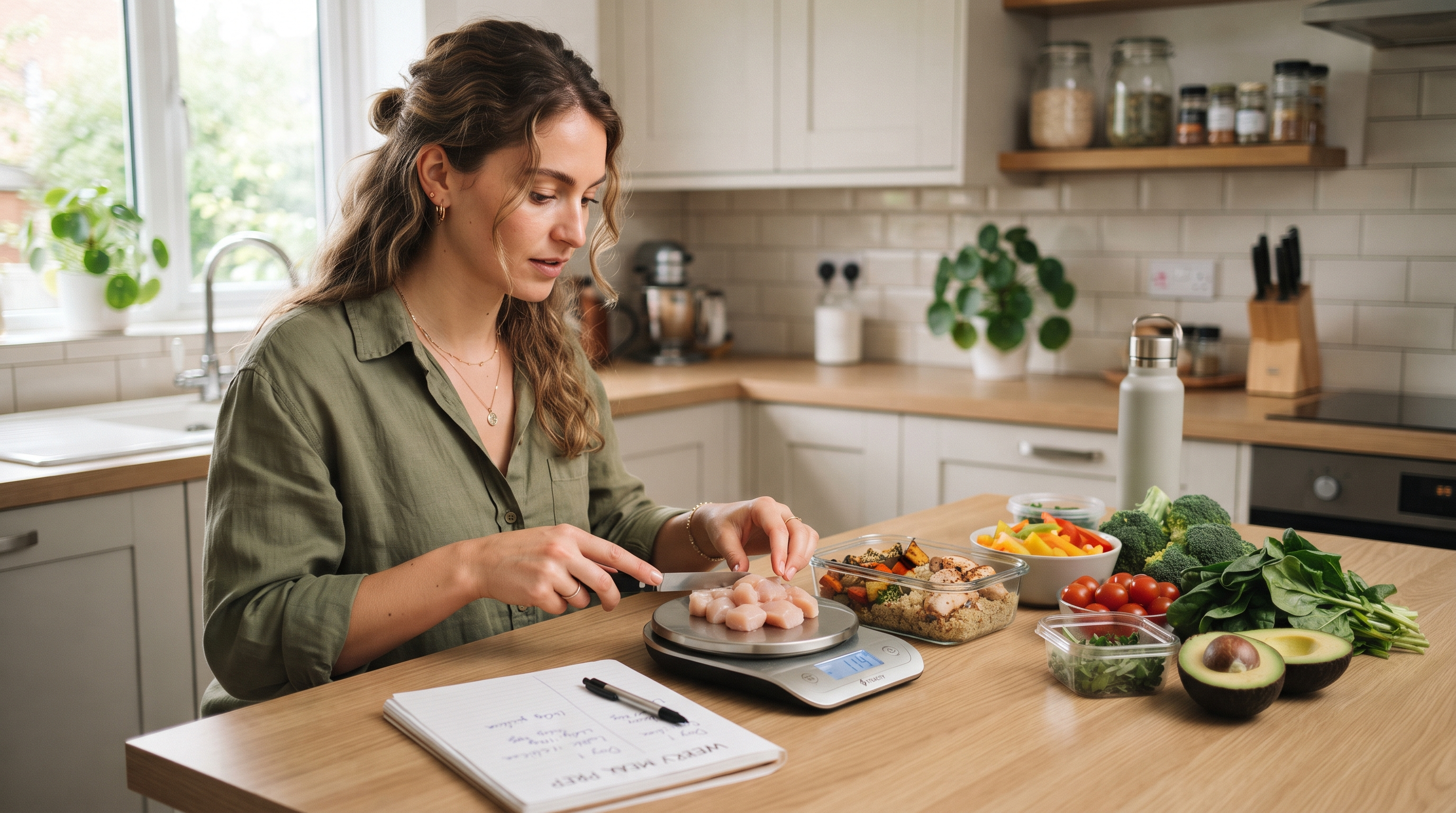
According to the USDA Economic Research Service, food waste accounts for 30 to 40 percent of the US food supply, and most of that loss traces back to poor planning rather than poor cooking. A meal planning app with a calorie counter sounds like it solves two problems at once: what to eat and how much. Sometimes it does. More often, the calorie counter becomes the feature you open once and then ignore while the planning side quietly does the real work. This article looks at where calorie tracking genuinely fits into a cooking workflow, when ingredient-first planning outperforms nutrition-first approaches, and what to prioritize when choosing a tool.
Table of Contents
- Here Is Where Most Home Cooks Get This Wrong
- When Calorie Counting Helps and When It Gets in the Way
- What to Look for When You Compare These Apps
Key Takeaways
| Point | Details |
|---|---|
| Calorie data needs ingredient awareness | A counter paired with a generic recipe database cannot account for the half-used chickpeas already in your fridge. |
| Accuracy depends on portion flexibility | Look for apps that let you adjust servings and see calorie counts update in real time. |
| Household complexity breaks most trackers | If two people eat differently, per-person calorie breakdowns matter more than a single recipe total. |
| Planning and tracking should be one action | Switching between a meal planner and a separate calorie app creates the friction that makes people quit. |
| Dietary memory reduces manual logging | Apps that remember your household's constraints remove repeated data entry. |
What Does a Meal Planning App with Calorie Counter Actually Do?
A meal planning app with calorie counting combines two functions: it helps you decide what to cook across a day or week, and it estimates the nutritional content of those meals. Most apps work the same way. You search or browse a recipe database, add meals to a calendar, and the app tallies estimated calories based on ingredients and portions. Some also generate grocery lists. The accuracy of calorie data depends almost entirely on how ingredients get into the system:
- Manual text entry requires you to type each ingredient and quantity, which is precise but slow and easy to abandon after a few days.
- Barcode scanning works well for packaged foods but falls apart with fresh produce, bulk items, or anything without a label.
- Photo-based identification uses AI to recognize ingredients visually, which reduces friction but varies in accuracy depending on the model behind it.
If you cook mostly from packaged meal kits with fixed portions, barcode scanning alone can be remarkably accurate. FridgeAI uses the Claude API to identify ingredients from fridge photos, then suggests recipes based on what it actually sees. Understanding what these apps can do is only half the picture. The more important question is where home cooks consistently misread what problem they are actually solving.
Here Is Where Most Home Cooks Get This Wrong
Most home cooks assume a meal planning app with a calorie counter will solve the nightly dinner decision by delivering a structured weekly plan. That assumption skips a critical gap: calorie data tells you what a meal contains after you have already decided what to cook, and it does nothing to help you decide what to cook from what you actually have right now.
Imagine someone who builds a tidy weekly plan on Sunday: grilled chicken Monday, a lentil bowl Tuesday, salmon with quinoa Wednesday. Every macro accounted for. Then Wednesday arrives. The salmon was never bought. The quinoa is buried behind expired miso. The plan collapses, and they are back to staring into the fridge. The problem was never calories. It was the gap between planned meals and real fridge contents.
| What calorie-focused planners do well | What they typically miss |
|---|---|
| Macro and nutrient breakdowns | What is actually in your fridge right now |
| Structured weekly meal templates | Adapting when ingredients go off or run out |
| Post-cooking nutritional awareness | Reducing decision fatigue at the moment of cooking |
One condition where this changes: if you meal prep in bulk on a single day and shop from a precise list, a calorie-first planner can work well because the gap between plan and reality stays small. Understanding when calorie counting genuinely helps and when it quietly makes things harder is the next step toward choosing a tool that actually fits your kitchen.
When Calorie Counting Helps and When It Gets in the Way
Calorie tracking is genuinely useful when you have a specific, bounded goal. It becomes counterproductive the moment it adds more decisions than it removes. The difference is not about discipline. It is about fit.
Calorie counting tends to help in situations like these:
- You are managing a health condition under medical guidance and need to understand energy intake alongside macronutrients.
- You cook a core rotation of meals and want to understand your baseline rather than optimize every plate.
- Numerical feedback genuinely motivates you. Some people find it clarifying. That is real.
It tends to get in the way in other situations:
- Your household has varied dietary needs across members, making a single calorie target meaningless at the household level.
- You cook from whatever is in the fridge rather than following a fixed weekly plan, so pre-logged calorie data rarely matches what you actually make.
- Calorie focus increases your decision fatigue rather than reducing it, which is more common than most app marketing acknowledges.
If an app layers calorie data on top of ingredient-based suggestions rather than requiring a calorie target as the starting point, the tracking becomes optional context instead of a gate. FridgeAI builds suggestions from what you actually have, using the Claude API to analyze photos and generate recipes. The focus stays on cooking, not logging. Once you know where calorie tracking fits into your routine, the practical question becomes which app features will actually support that.
What to Look for When You Compare These Apps
The most useful question when comparing meal planning apps with calorie counters is not which one has the most recipes. The real question is which one fits how your household actually decides what to cook. Four criteria worth evaluating before you commit:
- Ingredient input method. Some tools expect manual entry or barcode scanning. Others use photo-based recognition. If you cook from whatever is already in your fridge, photo input is faster and catches items you would forget to type. If you shop from a fixed weekly list, barcode scanning may suit you better.
- Dietary requirement memory. Does the app remember that your partner is lactose intolerant, or do you re-enter that every session? Persistent household rules save real mental load over weeks of use.
- How calorie data fits in. In some apps, calorie tracking is a layer you can view on top of recipe suggestions. In others, it is a prerequisite before you can get any suggestions. If nutrition data matters but you do not want it gatekeeping your dinner, look for the layered approach.
- Household sharing. Per-person accounts add cost and friction. A single subscription covering multiple cooks in one shared kitchen is simpler.
FridgeAI approaches meal planning from the ingredient side rather than the calorie side. It analyzes a fridge photo using the Claude API, suggests three recipes based on what it sees, and remembers your household's dietary requirements without re-entry.
Summary
Most households searching for a meal planning app with calorie counter are really trying to solve two separate problems: what to cook and whether it fits their goals. Calorie tracking answers the second question. It rarely helps with the first, especially at 6pm with a half-empty fridge. For a deeper look at tools that start from what you already have, a guide to meal planning apps based on ingredients covers the ingredient-first approach in detail. FridgeAI offers a free trial if you want to start there.
The meal planning apps that actually reduce dinner stress connect calorie awareness to what is already in your kitchen, rather than asking you to log every almond before you can get a suggestion.
Frequently Asked Questions
What should I know before choosing a meal planning app with a calorie counter?
Calorie data is only useful if the app knows what you actually have on hand. Most calorie counters treat meal planning as an abstract exercise, suggesting meals you would need to shop for rather than meals you can cook tonight. Look for tools that start from your real ingredients, then layer nutritional information on top. That order matters. If you meal prep in bulk weekly, a shopping-first approach with calorie targets may serve you better than an ingredient-first one.
How do I get started with a meal planning app that tracks calories?
Cook three meals with the app before judging its calorie accuracy, because early impressions of logging friction are more predictive of long-term use than feature lists. A useful app suggests dinner from ingredients you already have and shows the nutritional breakdown without requiring manual logging of each item. FridgeAI works this way, using the Claude API to identify ingredients from a fridge photo and suggest three recipes. Most users who rely on manual logging exclusively abandon calorie tracking within two weeks.
Can a meal planning app with a calorie counter handle multiple dietary requirements in one household?
It can, but only if the app stores household preferences persistently rather than asking you to re-enter them each session. An app that remembers one person's nut allergy and another's low-carb preference saves real friction over weeks of use. Without persistent memory, the overhead of re-entering restrictions cancels out the benefit of having a digital tool at all. FridgeAI remembers dietary requirements across your kitchen so you never re-explain your household's needs.
Are free meal planning apps with calorie counters worth using?
Free apps typically fund themselves through advertising or by using your dietary data to train models, and that tradeoff is worth understanding before you enter household health information. Some tools offer a trial period with no payment required, letting you test photo-based fridge scanning and recipe suggestions before committing. Read the privacy policy before entering household health data. If a free tier explicitly excludes data sharing, the privacy concern shrinks, though feature gaps often remain.
What is the best approach to meal planning when you want both ingredient awareness and calorie tracking?
Start with what you already own, then let nutritional data follow as context rather than a prerequisite. Starting with calorie targets and building meals backward leads to added shopping trips, not less waste. Households that begin with ingredient-based suggestions and treat calorie data as a secondary layer report less decision fatigue than those who set nutrition goals first. Apps that surface calorie information as a byproduct of ingredient-based suggestions fit most households better than those that require a nutrition goal before showing you a single recipe.